
Is iCloud safe for your family photos? What you need to know

Published on August 26, 2026
By default, iCloud does not protect your family photos from Apple itself. Your photos are encrypted in transit, but Apple holds the decryption key and can access them at any time when served a warrant. Law enforcement has repeatedly used this capability.
There is an option called Advanced Data Protection that offers true end-to-end encryption for photos. It's not the default, most parents don't know about it, and you have to opt in. If you haven't enabled it, your family photos are readable by Apple.
In this article we'll cover exactly how iCloud photo security works, who can actually access your family's photos, and what genuinely secure storage looks like.
In this article:
- How iCloud photo security actually works
- The real risks: who can access your family photos
- The 2014 celebrity photo leak: what actually happened to iCloud accounts
- What you're actually getting with standard iCloud
- If you want actual end-to-end encryption for photos
- Keep your family photos secure
- Frequently asked questions
How iCloud photo security actually works
Apple offers two levels of photo protection on iCloud. Understanding the difference is critical.
Standard iCloud (the default)
When you upload photos to iCloud with standard protection, Apple encrypts them in transit and at rest. This protects your photos from hackers and network eavesdropping. But Apple holds your encryption key. That means Apple can decrypt and read your photos whenever they choose.
According to Apple's official iCloud Data Security documentation, standard data protection is the default setting for iCloud accounts. With Advanced Data Protection, the number of data categories that use end-to-end encryption rises to 25 and includes your iCloud Backup, Photos, Notes, and more.
The fact that end-to-end encryption for photos is optional, not default, means most families are storing photos under standard protection.
Advanced Data Protection (optional, E2EE)
Apple introduced Advanced Data Protection in 2022 as an optional upgrade. When you enable Advanced Data Protection, the majority of your iCloud data including iCloud Backup, Photos, Notes, and more is protected using end-to-end encryption, and no one else can access your end-to-end encrypted data, not even Apple.
This is genuine E2EE. Apple cannot decrypt your photos. Law enforcement cannot access them through Apple, even with a warrant.
But there's a catch: if you enable Advanced Data Protection and then lose access to your account, Apple will not have the encryption keys to help you recover it. You must set up recovery contacts or recovery keys unknown to Apple.
The problem: almost no one uses Advanced Data Protection. It requires extra setup, uses recovery methods most people don't understand, and isn't the default. So your family photos are almost certainly stored under standard protection on iCloud.
The real risks: who can access your family photos

Law enforcement can access your photos with a warrant
This is not theoretical. It's documented and has happened repeatedly.
In 2020, the FBI served Apple a warrant to gain access to Senator Richard Burr's iCloud data as part of an investigation into controversial stock trades he made as the coronavirus first struck the U.S. Apple can decrypt an iCloud backup and provide the information to authorities when ordered to do so via a warrant, because the company views iCloud as needing to be accessible by Apple so that it can restore data for the user.
More recently, Apple granted the FBI access to the iCloud account of a protester accused of setting police cars on fire in Seattle, giving the FBI access to screenshots, photos, and videos that are now central to their case. The suspect, Kelly Jackson of Edmonds, Washington, is charged with two counts of arson and unlawful possession of a deadly device.
These are not aberrations. According to a 2021 Forbes investigation, Apple has repeatedly provided iCloud data to law enforcement when served with warrants in criminal investigations.
The concrete consequence for your family. If law enforcement ever serves a warrant on Apple for your iCloud photos, you will not be notified. You will have no opportunity to challenge it. Your photos of your children could be viewed by investigators without your knowledge.
The 2014 celebrity photo leak: what actually happened to iCloud accounts
In 2014, attackers gained unauthorized access to the iCloud accounts of more than 100 celebrities, leaking hundreds of private photos online. The initial attacks exploited a real weakness: Apple's Find My iPhone service had no limit on failed login attempts, letting a tool called "iBrute" run automated password guessing against accounts. Apple patched that gap within days.
Apple maintained that its core iCloud infrastructure itself was never breached, and said its investigation found that certain accounts were compromised through targeted attacks on usernames, passwords, and security questions. Two years later, a federal case confirmed a specific version of that: hacker Ryan Collins pleaded guilty to a phishing scheme, sending emails posing as Apple and Google security alerts to trick victims into typing their real credentials into fake login pages. He then downloaded their iCloud backups directly.
The incident became widely known as "Celebgate" or "The Fappening." Apple responded by closing the rate-limiting gap and later making two-factor authentication mandatory for iCloud accounts.
But the mechanism, whether it's a missing rate limit, a phishing email, or a guessed security question, isn't really the point. The structural issue is this: standard cloud photo storage holds your photos in a form the provider can decrypt. Once someone gets past your account credentials, by whatever means, there's nothing left standing between them and your photos. Two-factor authentication raises that bar. It doesn't remove it.
The government pressure problem

In February 2026, Apple pulled its Advanced Data Protection end-to-end iCloud encryption from British customers after the government requested access to the data and demanded Apple build a "backdoor" allowing government authorities to access user iCloud data worldwide.
Apple said in a statement that it was gravely disappointed the protections provided by Advanced Data Protection would not be available to its customers in the UK, citing the continuing rise of data breaches and other threats to customer privacy.
This signals that government pressure to weaken encryption is ongoing and real. A Reuters report suggested that Apple had plans to fully encrypt iCloud accounts so only users had the key, but backed down after the FBI asked for iCloud to remain accessible.
The concrete consequence. The encryption protections Apple offers are contingent on government pressure and political will. Even if you enable Advanced Data Protection today, there is no guarantee that feature will remain available in your country or remain strong against future pressure.
What you're actually getting with standard iCloud

If you have standard iCloud (the default), here's what is true:
- Your photos are encrypted in transit — no one can eavesdrop on the data traveling from your device to Apple's servers.
- Your photos are encrypted at rest — your photos sitting on Apple's servers are not readable as plain image files.
- Apple can still read them — under the default standard data protection, Apple holds the encryption keys. Apple can decrypt and view your photos whenever they choose.
- Law enforcement can access them — with a warrant, Apple has repeatedly provided iCloud photos to federal investigators, as documented in multiple cases.
- Your family photos are only as secure as your password — if your Apple ID password is compromised, an attacker has instant access to all your photos with no additional steps required.
If you want actual end-to-end encryption for photos
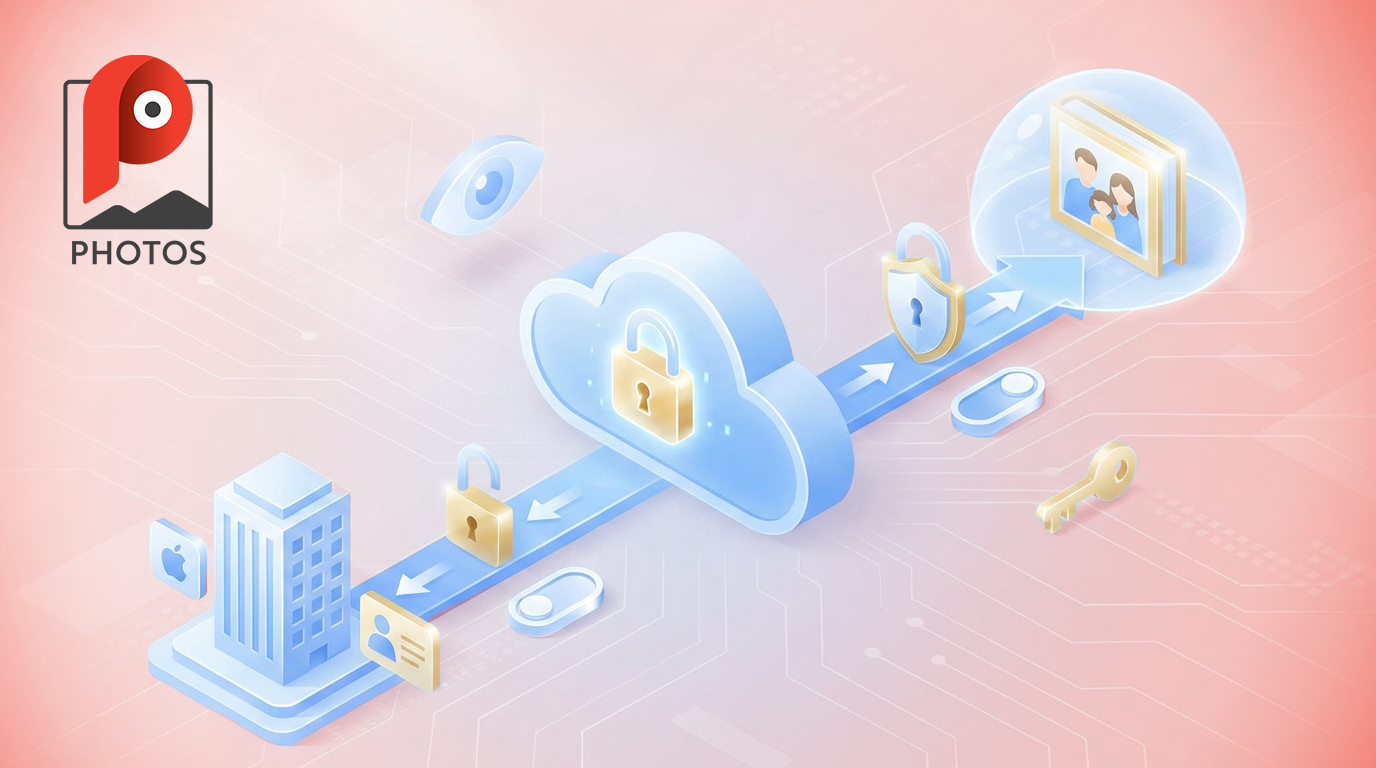
Advanced Data Protection exists and it works. If you enable it, the majority of your iCloud data including iCloud Backup, Photos, Notes, and more is protected using end-to-end encryption, and no one else can access your end-to-end encrypted data, not even Apple.
But you need to understand the tradeoff:
You lose account recovery through Apple. If you enable Advanced Data Protection and then lose access to your account, Apple will not have the encryption keys to help you recover it. You must set up a recovery contact or recovery key and keep it safe.
Setup is not simple. You must manually enable this feature and configure recovery methods. Most people don't know it exists.
Availability may change. Apple has already withdrawn Advanced Data Protection from the UK due to government pressure. The feature you enable today might not be available tomorrow in your region.
Keep your family photos secure

| Standard iCloud | Advanced Data Protection | Paranoid Photos | |
|---|---|---|---|
| End-to-end encrypted | No | Yes | Yes |
| Free storage | 5 GB | 5 GB | 8 GB |
| Apple can access photos | Yes | No | No (architecture makes it impossible) |
| Law enforcement can access with warrant | Yes | No | No |
| Company can view your photos | Yes | No | No |
| Sharing controls | Limited | Limited | Full (expiry dates, passwords, revoke anytime) |
| Photos viewable by company employees | Yes | No | No |
Paranoid Photos was built around one idea: your family photos are readable only by you and anyone you choose to share them with.
We can't get access to your photos. Not because we choose not to look. Because the architecture makes it impossible. Your photos are encrypted on your device before they ever reach our servers. We receive data we can't read. That's zero-knowledge storage.
That's Paranoid Photos. Sharing you can actually control. See every shared link in one place. Set expiry dates. Add password protection to individual photos or entire albums. Revoke access instantly. Know exactly who can see your photos right now, not just when you first shared them.
8 GB free. No credit card required.
Your family's photos deserve better than a service that hands data over to governments or keeps encryption keys you don't control.
Frequently asked questions
Is iCloud safe for family photos?
With standard iCloud (the default), Apple can access your family photos when served with a warrant. Law enforcement has repeatedly used this capability to access iCloud photos in criminal investigations. If you want true privacy from Apple and law enforcement, enable Advanced Data Protection, but be aware of the recovery key requirements.
Is iCloud photos safe?
iCloud Photos are encrypted in transit and at rest, which protects them from hackers and network interception. Apple can still decrypt and access them because Apple holds the encryption keys. This is safe from external threats but not safe from Apple itself or law enforcement with a warrant. Enable Advanced Data Protection if you need protection from Apple.
Is iCloud safe for private photos?
No, not with standard iCloud. Your private photos are readable by Apple and can be accessed by law enforcement with a warrant. If you consider private photos to be something no one should see except you, then standard iCloud does not provide that level of protection. Advanced Data Protection offers genuine privacy, but requires manual setup and recovery key management.
What happens if my Apple ID password is stolen?
An attacker gains instant access to all your photos. There is no additional authentication step required. iCloud does not require a separate password or verification for photo access. Your email password is your complete photo library password.
Can I revoke access from someone I shared photos with?
iCloud's sharing controls are limited compared to services specifically designed for sharing control. Once someone has access to a shared album, you cannot easily revoke it and you cannot see a central log of who currently has access to what you've shared.
Is Advanced Data Protection the default?
No. Standard data protection is the default setting for iCloud accounts. You must manually enable Advanced Data Protection, and most people don't know it exists.
If I enable Advanced Data Protection, what's the catch?
If you lose access to your account, Apple will not have the encryption keys to help you recover it — you'll need to use your device passcode or password, a recovery contact, or a personal recovery key. This means you are responsible for not losing access to your recovery methods.
Has the UK government affected Advanced Data Protection?
Yes. In February 2026, Apple pulled Advanced Data Protection from British customers after the government requested access and demanded Apple build a "backdoor." The availability and strength of this feature may change based on government pressure in your region.
What's the difference between standard iCloud encryption and end-to-end encryption?
Standard iCloud encryption is encryption at rest and in transit, but Apple holds the keys and can decrypt everything. End-to-end encryption (Advanced Data Protection) means Apple holds no keys and cannot decrypt your photos even with a warrant.
Should I use iCloud for family photos?
It depends on your risk tolerance. Standard iCloud protects against hackers and device loss. It does not protect against Apple accessing your photos or law enforcement serving a warrant. If law enforcement access concerns you, enable Advanced Data Protection. If you need absolute privacy with no company access, use a service where the company cannot access your photos at all.
The bottom line

iCloud is competent at encryption. Apple is not trying to steal your photos. But with standard settings, your family photos are readable by Apple and accessible to law enforcement with a warrant. This has happened repeatedly.
If that's acceptable for your family, iCloud is convenient. If that bothers you, either enable Advanced Data Protection (understanding the recovery key requirements), or use a service where the company cannot access your photos at all.
The important thing is making an informed choice about what you're trusting with your family's most irreplaceable memories.